

|
Name |
90 FPS |
|---|---|
|
Google Play Link |
GET IT ON
Google Play
|
|
Category |
Tools |
|
Developer |
TQtech |
| Last version | 14 |
|
Updated |
|
|
Compatible with |
Android 7.0+ |
What is 90 FPS APK?
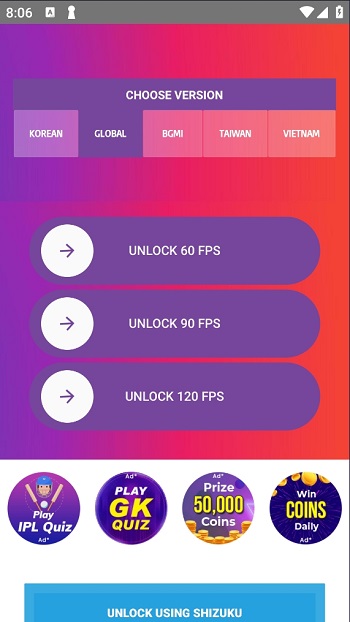
Mobile gaming has come a long way, but performance gaps can still frustrate players. That’s where 90 FPS APK steps in—a performance-enhancing app tailored for Android gamers who want faster frame rates and sharper responsiveness without investing in new hardware. It's not a game itself, but a utility tool that adjusts system configurations to give games a boost where it matters most: smooth visuals and quick feedback.
At its core, this app allows users to push supported games to run at 90 frames per second (FPS), offering a noticeably more fluid gameplay experience. High FPS isn’t just about visual appeal—it affects how fast actions register, which is especially crucial in competitive shooters or fast-paced mobile titles. Combined with the app’s iPad View mode, it creates a more spacious visual layout that mimics a tablet screen.
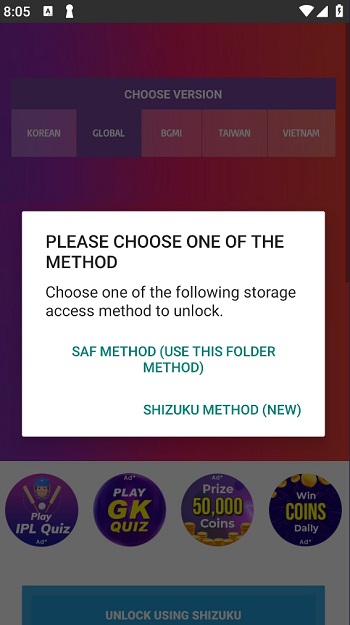
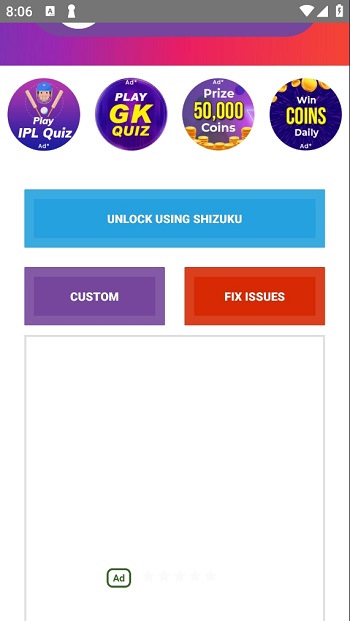
The interface is simple and friendly, even for those who aren’t too tech-savvy. Tapping into advanced performance tweaks usually sounds intimidating, but here, everything is cleanly labeled, and built-in tutorials help users find optimal settings for their devices. It’s a quick setup process with practical tools that don’t overcomplicate things.
One of the key benefits is how adaptable it is. Users can customize resolution, graphics mode, and FPS rate according to what their device can handle. It means players get a chance to fine-tune how their game looks and feels without rooting their phone or installing complex mods.
There are a few trade-offs, though. Not every phone can handle 90 FPS, so results will vary based on device specs. Also, switching between apps occasionally causes brief disconnections, which might be annoying during an intense match. Still, the overall performance boost outweighs these small issues for many users.
This app is best for gamers who play titles like PUBG Mobile, BGMI, or other graphics-heavy games where quick reflexes are key. If you're on a mid- to high-end Android phone and want a smoother visual experience without fiddling with developer settings manually, this is a solid tool to try out.
FAQs 90 FPS
What is 90 FPS?
+
90 FPS is a utility app for Android that improves mobile gaming by increasing frame rates and offering a tablet-style screen layout.
Does 90 FPS APK work on every Android phone?
+
It works on many mid- to high-end Android devices, but results can vary depending on hardware and software compatibility.
Can I use 90 FPS APK without rooting my phone?
+
Yes, the app doesn’t require root access. It’s designed to be user-friendly and works with standard Android permissions.
What are the key features of 90 FPS APK?
+
It boosts frame rates up to 90 FPS, includes an iPad View mode for a larger display, and allows custom graphics and resolution settings.
Who should use 90 FPS APK?
+
It’s ideal for mobile gamers playing fast-paced titles like PUBG Mobile or BGMI who want smoother visuals and faster game response.
Discover More Interesting Apps
-
 Mod
Mod
The Ick
v0.4.12
28.56 Mb
Updated -
Mod
Popup Widget
v4.0.5
5.00 Mb
Updated -
K2er
v0.4.103
45.92 Mb
Updated -
Game Booster 4x Faster Pro
v2.8.6
14.00 Mb
Updated -
Mod
Map coordinate
v1.2.37
8846211
Updated -
H4X Macro Game Booster Pro
v3.2.0
14.00 Mb
Updated -
Mod
Ad Blocker
v7.6.7
10.00 Mb
Updated -
Mod
Kimi
v3.1.2
67.22 Mb
Updated -
TikFinity
v2.6.7
89.22 Mb
Updated -
Fing
v12.13.4
24.25 Mb
Updated










Share Your Thoughts